

How to Create an Email Account
Communication is key. Without it, a great many tasks fail to get accomplished. Setting up email accounts through your web hosting is a great way to tie email accounts to your business and domain(s) so communication flows freely. Let's get an account setup with you!
- Login to your cPanel account.
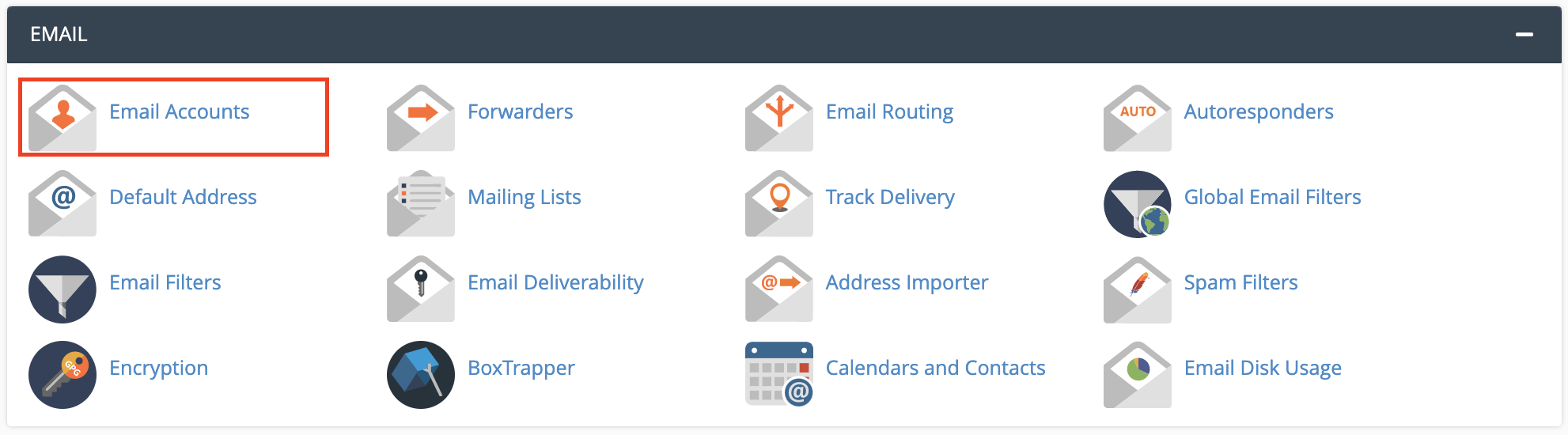
- Once you are in cPanel's home page, located the 'Mail' section towards the top, then select the Email Accounts icon.
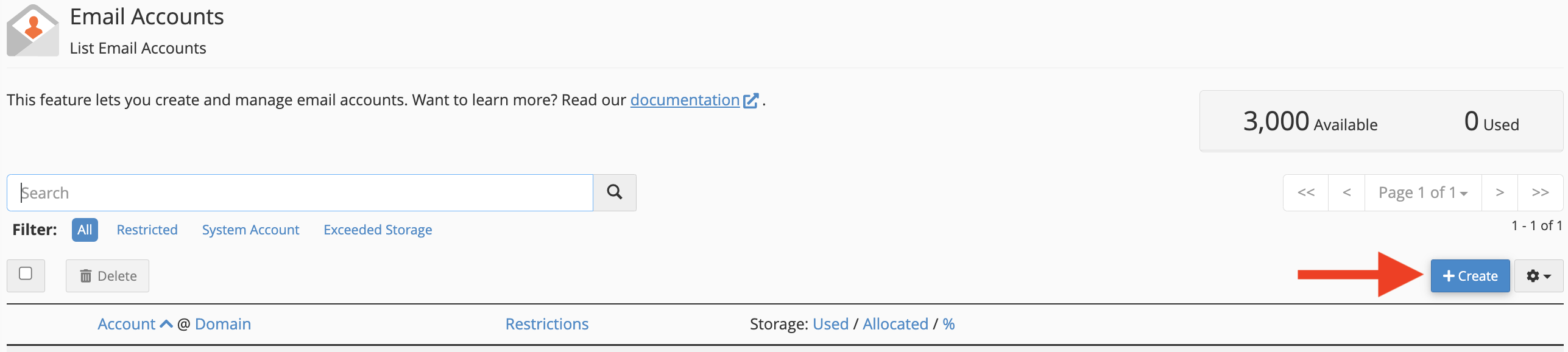
- Click the +Create button to add a new email account.
- You should now be on a screen that contains a form to fill out information regarding the new email account you are about to create.
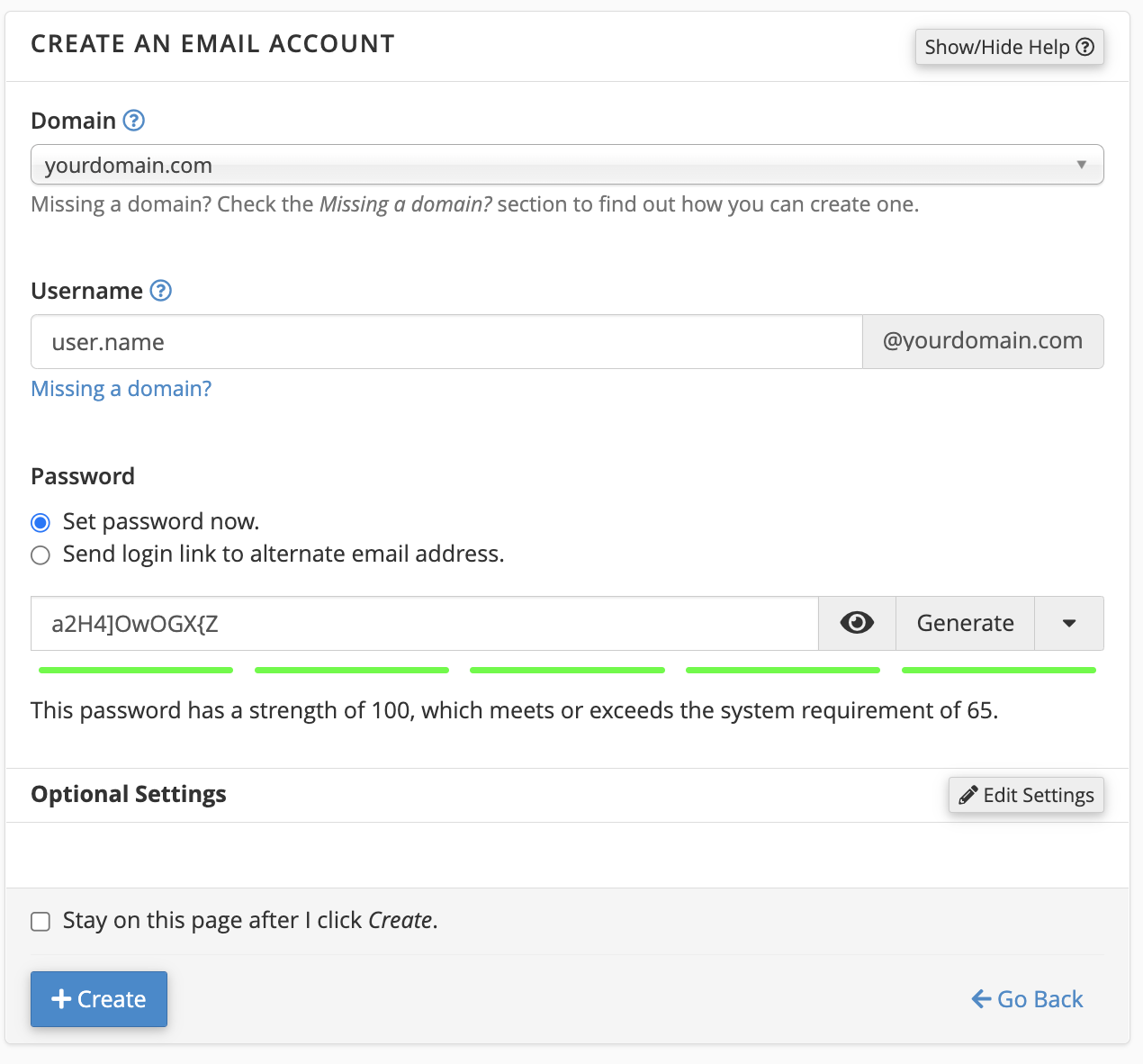
- Enter the email address you want to use. Note that the '@domain.com' ending to the address is already included.
- Select a password for your email account. The password will not be accepted until is has a password strength of at least 50.
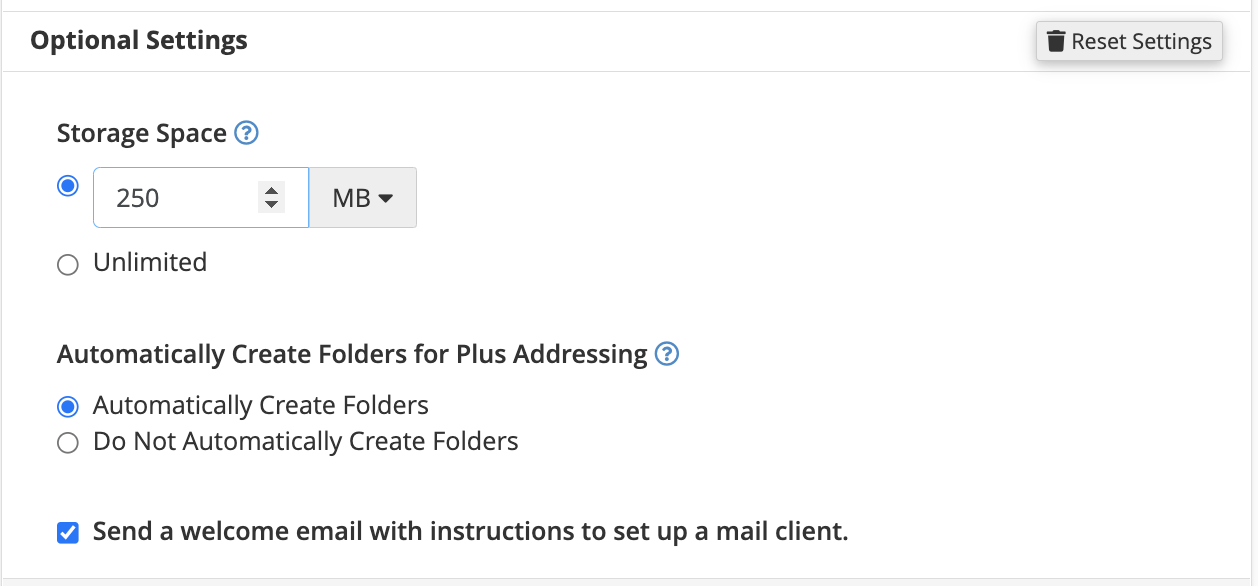
- Click the Edit Settings to change the Mailbox Quota. You can select the value to be any number or MB, or unlimited.
- Once the details have been added, select the Create Account button below to generate the email account, which will then appear below the form in a list with other email accounts.

How to Access Webmail
With email accounts being created, the next natural step is to login and begin your mail service.
How to Setup a Mailing List
Be it sending out a monthly newsletter, to a promotional discount, or even periodic announcements; mailing lists can be a very effective way to quickly get that information out.