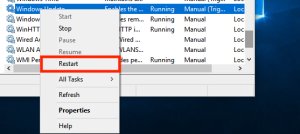
Windows Restart a Service
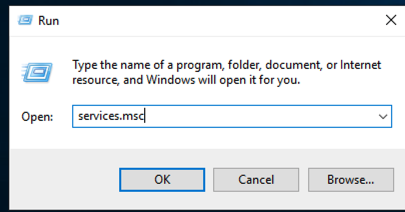
Press Windows + r keys to bring up the Run dialogue.
Procedure
- Press Windows + r keys to bring up the Run dialogue.
- In the Run dialogue box, type "services.msc" and press Enter. This will open a list of running services.
- Scroll through the list and find the service you want to restart.
- Right click on the service and press Restart.