

How to Add MX Records to a Domain
Log in to cPanel 2.
- Log in to cPanel
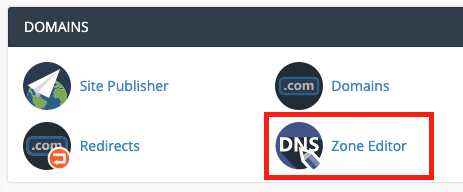
- Under Domains select the Zone Editor
- Choose + MX Record to the domain you wish to add the record to.

- Fill out the Priority (default 0) and Destination address.
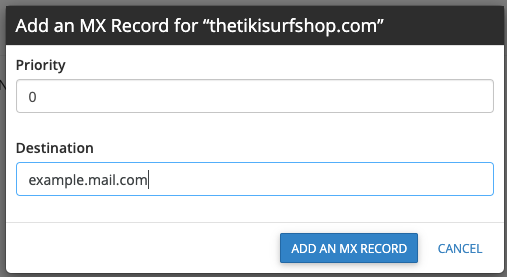
- Select Add an MX Record
DNS records can take up to 24 hours to take effect but is typically much faster (2-12 hours).