

How to Add SRV Records to a Domain
Log in to cPanel 2.
- Log in to cPanel
- Under Domains select the Zone Editor
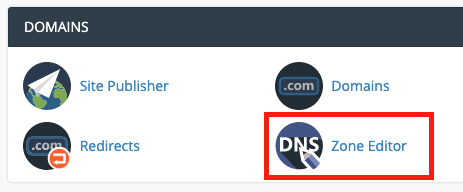
- Choose Manage

-
Click Add Record
-
Enter the following information:
- Type: First change the Type to_SRV_
- Name field: This is the name of the host. Input the name of the host with a period at the end, preceded by the service and protocol. Ex: _sip._tcp.thetikisurfshop.com.
- TTL: Type the TTL (time to live) value or accept the default of 14400.
- Priority: the priority of the target host, lower value means more preferred.
- Weight: A relative weight for records with the same priority.
- Port: the TCP or UDP port which the service runs on.
- Target: the hostname of the device providing the service.

- Select Add Record
DNS records can take up to 24 hours to take effect but is typically much faster (2-12 hours).